Keyda Blog
Tips, updates & guides
Get more out of the AI keyboard — product news, writing tips and deep dives from the Keyda team.
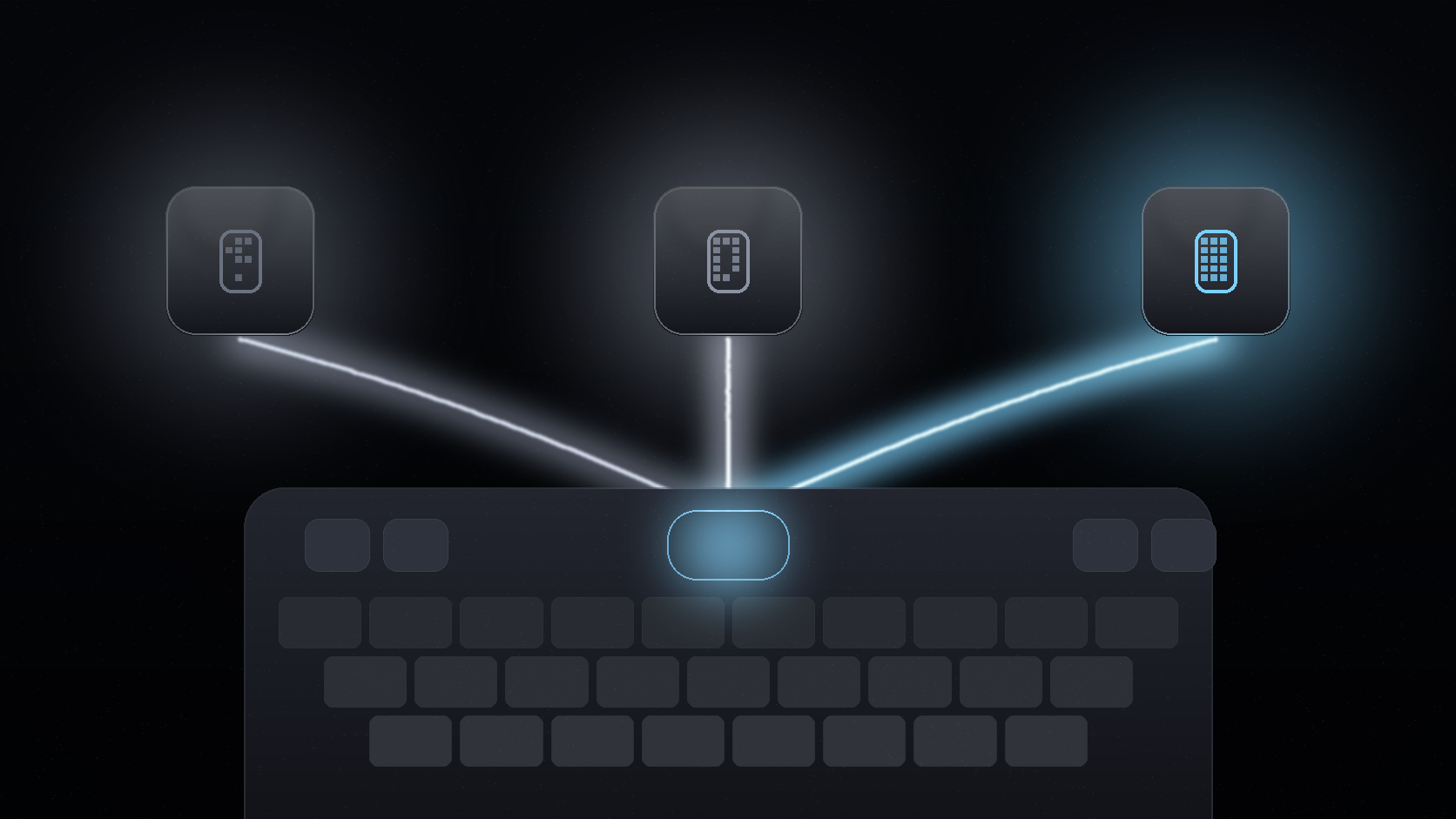
Keyda vs Wordtune vs CleverType: Which AI Writing Tool Actually Fits Your Workflow?
Wordtune, CleverType and Keyda all promise AI writing help, but they work differently. Compare system-wide coverage, offline models, voice and notes.
Is Keyda Safe to Use as Your Keyboard? Privacy, Encryption and Data Controls Explained
A clear look at how Keyda handles your typing data: BYOK key encryption, voice recording policy, data deletion on sign-out and what stays on-device.
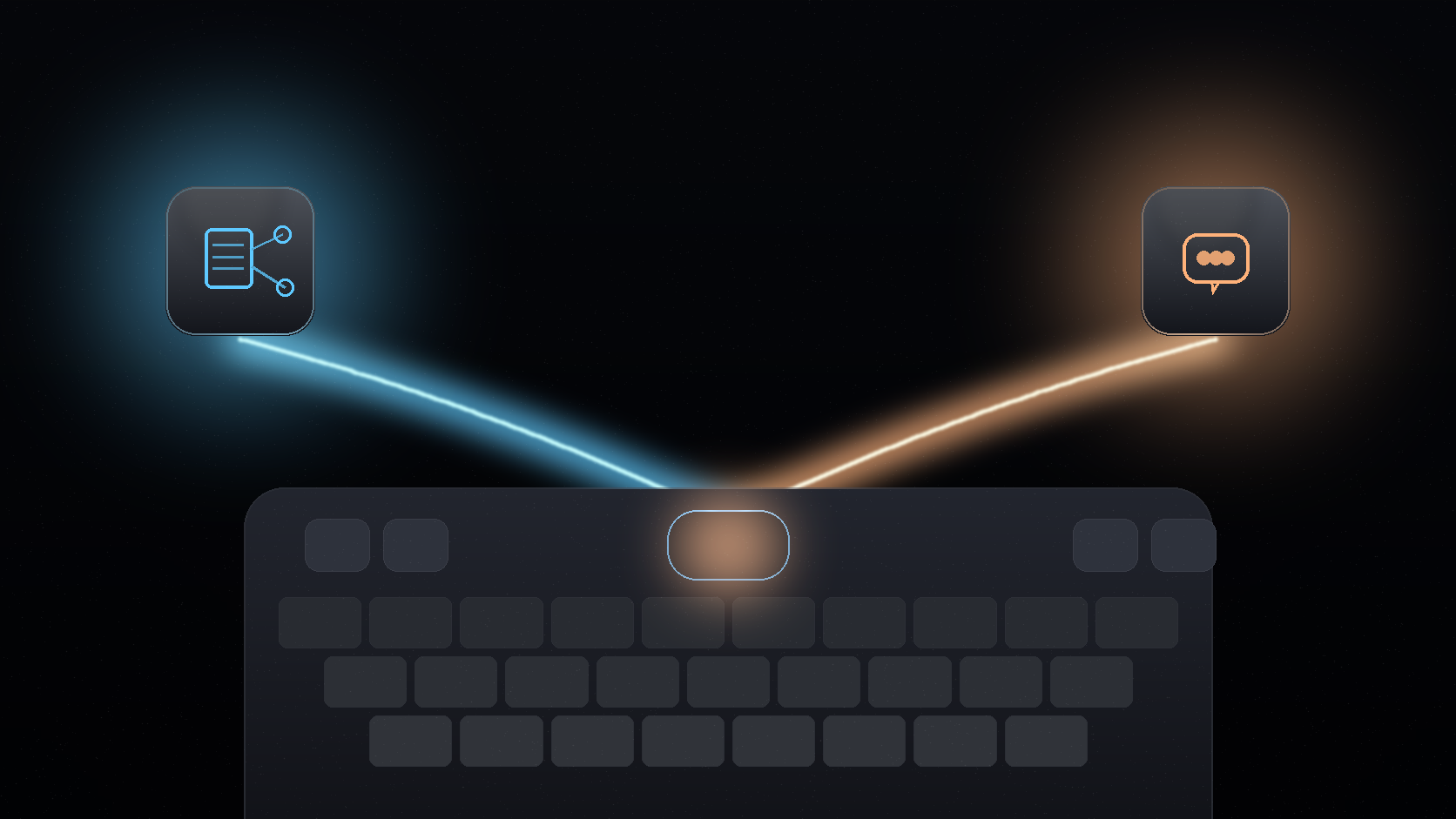
Shared Notes and Group AI Chats: How Keyda Turns Your Keyboard Into a Collaboration Tool
Keyda lets you share notes with a link and run group AI chats with up to 100 people. Here is how to use both features without leaving your keyboard.
Fix Grammar, Change Tone and Sound More Inclusive Without Leaving Your Keyboard
See how Keyda rewrites text for grammar, tone (Formal, Professional, Empathetic) and inclusive language directly from the keyboard, in any app you type in.
Which AI Model Should You Use in Keyda? GPT, Claude, Gemini, Grok and Groq Compared
Keyda gives you access to GPT, Claude, Gemini, Grok, Groq and on-device models. Here is how to pick the right one for reasoning, speed, coding or privacy.
Keyda Pricing Explained: Lite vs Pro vs the Free Trial
Compare Keyda's Lite and Pro plans, daily AI request limits, on-device and BYOK usage, and the 3-day free trial to find the right plan for your typing habits.

Voice Typing With Keyda: Speak, Review and Insert Without Losing Your Flow
Use Keyda voice typing to speak longer messages, review the transcript and insert it back where you were typing on iPhone or Android.

On-Device AI, Bring Your Own Key or Keyda AI: Which Route Should You Use?
Compare Keyda's three AI routes: on-device AI, bring your own key and Keyda AI, so you can choose the right balance of privacy and convenience.

What Is an AI Keyboard? Keyda Brings AI Writing Help to Every App
Learn what an AI keyboard is, how Keyda helps you rewrite, translate, reply and type smarter across iPhone and Android apps.