Shared Notes and Group AI Chats: How Keyda Turns Your Keyboard Into a Collaboration Tool
Keyda lets you share notes with a link and run group AI chats with up to 100 people. Here is how to use both features without leaving your keyboard.
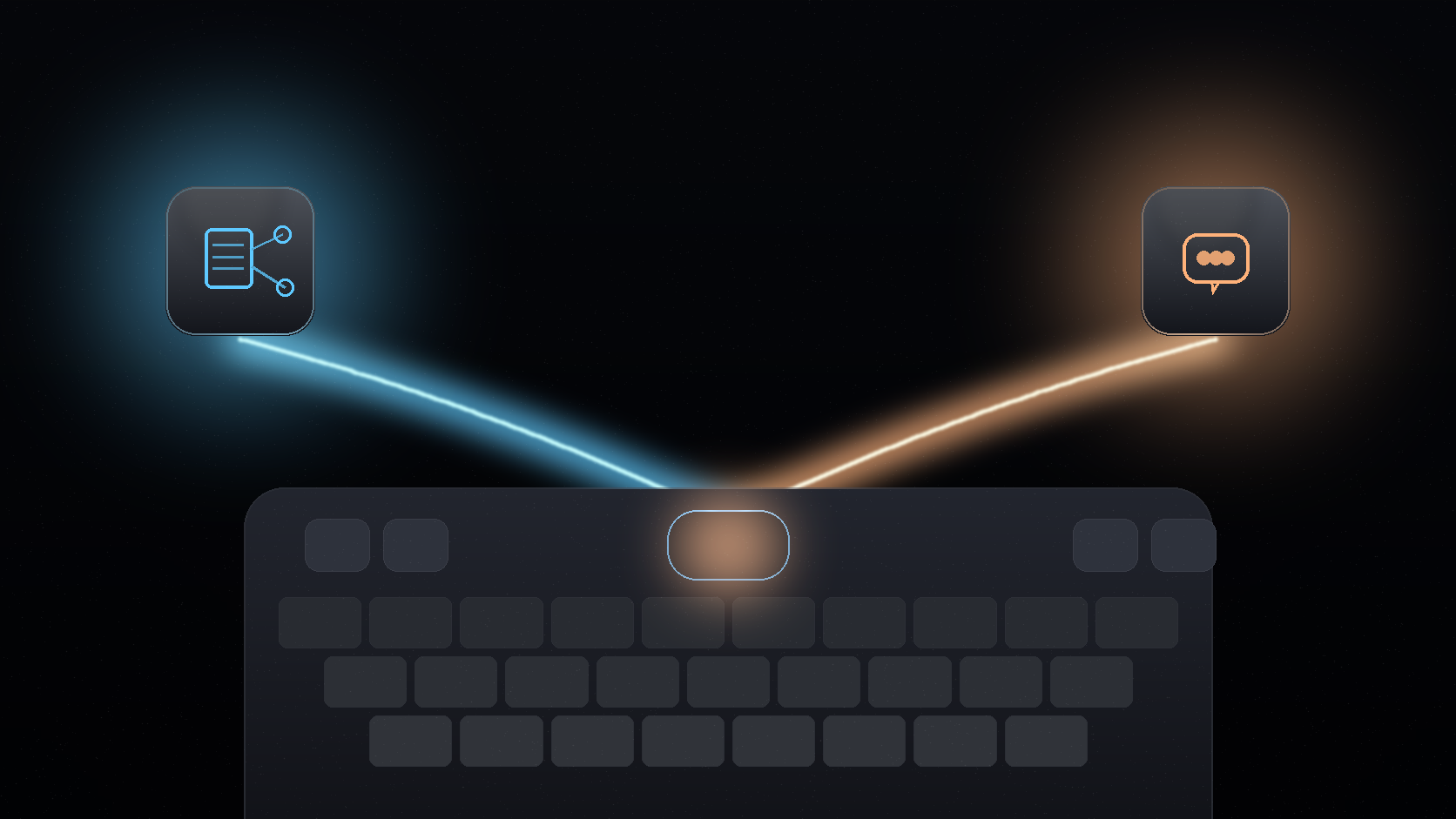
Keyda started as a way to bring AI into the place you type. But typing is rarely a solo activity. Plans get made in group chats, notes get passed between teammates, and questions often need more than one person's input. Keyda's shared notes and group AI chats are built for that reality.
Here is how both features work, and when to reach for each one.
The short version
Use shared notes when you want to hand a single piece of content to someone else with a link, no separate app required. Use group AI chats when multiple people need to talk to each other and to an AI model in the same real-time conversation, with room for up to 100 participants.
Shared notes: one link, no extra app
Keyda's notes are already persistent and synced across your own devices. Shared notes extend that by letting you generate a link to a specific note and send it to someone else, whether or not they use Keyda themselves.
This is useful for handing off:
- A draft you want feedback on before sending.
- A list or plan you are building together with someone else.
- An AI-generated summary or rewrite you want to share as a reference.
- Meeting notes, ideas or research you want to distribute without exporting to another app.
Because the note lives inside Keyda's synced note system, updating it after sharing keeps the same link current, rather than requiring you to resend a new file every time something changes.
Group AI chats: real-time conversation with AI in the loop
Group AI chats go a step further than sharing static content. They let multiple people join the same live conversation, with an AI model available as a participant rather than something each person has to query separately. Keyda supports up to 100 participants in a single group AI chat.
This is a genuinely different shape of feature than most AI keyboards offer, since most AI writing tools are built around one person typing alone. A group AI chat is closer to a shared workspace: everyone sees the same thread, and anyone can bring the AI in to answer a question, summarize the discussion so far, or help resolve a disagreement with a neutral answer.
Where this fits in everyday use
| Situation | Best feature |
|---|---|
| Sending a draft to one person for feedback | Shared note |
| Planning something with a small group | Group AI chat |
| Distributing meeting notes or a summary | Shared note |
| Getting a quick AI answer inside an ongoing group discussion | Group AI chat |
| Keeping a running list everyone can check | Shared note |
How AI routes apply here too
Shared notes and group AI chats use the same underlying AI routes as the rest of Keyda. A group AI chat can be powered by Keyda's managed AI pool, a participant's BYOK provider key where supported, or on-device processing for anything that stays local. The same privacy questions worth asking before any AI request apply here too: is the content sensitive, and does convenience or control matter more for this conversation?
For most casual group planning, Keyda's managed AI is the simplest option. For work-related discussions involving sensitive information, it is worth checking which route the group is using before sharing anything you would not want processed by a third-party cloud provider.
Why build this into a keyboard at all
Most collaboration tools live in their own dedicated app: a notes app, a group chat app, a document editor. Keyda's bet is that collaboration should not require switching context away from wherever the conversation is already happening. A shared note or group AI chat started from the keyboard can be referenced and updated without leaving the app you were already using.
That matters most in the in-between moments: a quick group decision in a messaging app, a note passed along mid-conversation, or a question that comes up while several people are already talking. Those moments rarely wait for someone to open a separate collaboration tool.
Final thought
Shared notes and group AI chats are Keyda's answer to a simple observation: typing help is useful alone, but a lot of real typing happens between people. Both features keep that collaboration inside the same keyboard you already use for everything else.
Not every AI conversation is a conversation of one. Keyda's group tools are built for the moments when more than one person needs the same answer.