Keyda vs Wordtune vs CleverType: Which AI Writing Tool Actually Fits Your Workflow?
Wordtune, CleverType and Keyda all promise AI writing help, but they work differently. Compare system-wide coverage, offline models, voice and notes.
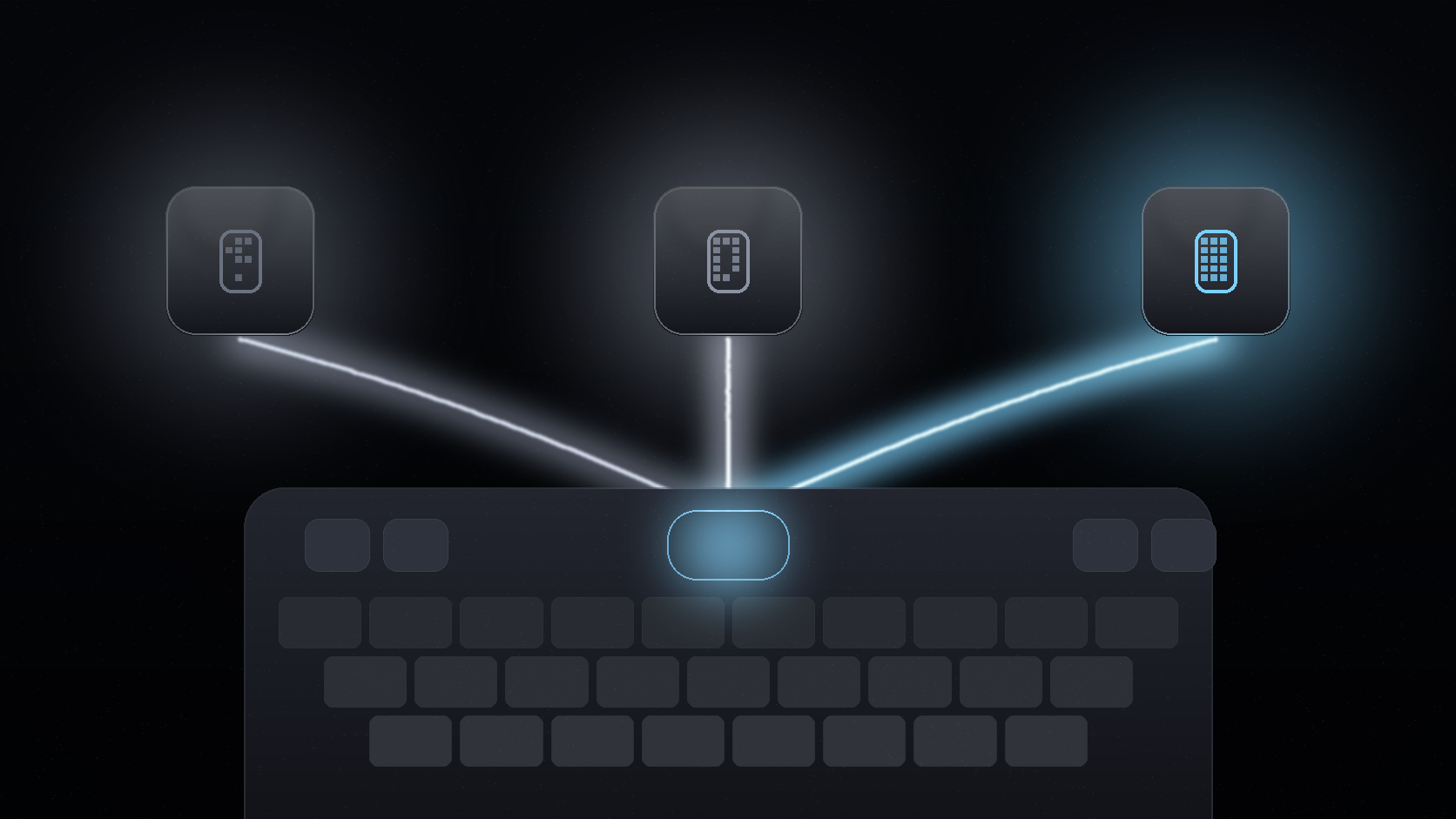
"AI writing assistant" has become a crowded category, and the tools inside it are not actually interchangeable. Some live in your browser. Some replace your keyboard. Some focus on rewriting a document; others focus on helping you type faster everywhere. Wordtune, CleverType and Keyda are three names that come up in the same conversation, but they solve the problem differently.
Here is how to think about the differences before picking one.
The short version
Wordtune is best known as a browser-based writing companion, strong for rewriting and rephrasing text inside a document editor or web page. CleverType and Keyda both position themselves as full keyboard replacements that bring AI into every app on your phone, not just the browser. Keyda's distinction within that group is combining system-wide grammar and rewriting with voice typing, offline on-device models, notes and shared AI chats in a single app, as noted directly in Keyda's own FAQ comparison.
Where each tool actually runs
The biggest practical difference between these tools is not the quality of any single rewrite. It is where the tool is available at all.
- Wordtune is primarily a browser extension and web app experience, which makes it strong for writing inside documents, emails opened in a browser, and web-based text fields, but it does not function as your phone's actual keyboard.
- CleverType works as an AI keyboard on mobile, giving it access across apps the way a browser extension cannot.
- Keyda also works as a full system keyboard on iOS, meaning its AI tools, grammar correction, tone adjustment and voice typing are available inside any app you can type in, from messaging apps to note apps to social apps, not only inside a browser tab.
If most of your writing happens inside a browser on a laptop, a browser-based tool can be enough. If a meaningful share of your typing happens in mobile messaging apps, social apps or anywhere outside a browser, a true system-wide keyboard covers more of your actual typing.
Offline and on-device processing
A meaningful difference among AI keyboard tools is whether any part of the AI processing can happen without a cloud connection. Keyda includes on-device models (Gemma 3n and Gemma 3 1B) that run locally, so typing, rewriting and even voice typing can work offline, and privacy-sensitive text never has to leave the device if you choose that route. This is a distinct advantage over tools that are cloud-only by design.
Bring your own key vs a single built-in model
Keyda supports bringing your own API key from OpenAI, Anthropic, Google, Groq or xAI, in addition to its own managed AI pool. That means you are not limited to a single vendor's model quality or pricing; you can choose the provider and model that fits a given task, or route requests through an account you already pay for. Tools built around one proprietary model do not offer this flexibility.
Beyond rewriting: notes, voice and collaboration
Rewriting text is a shared feature across most AI writing tools. Keyda's FAQ describes its broader differentiation as combining "grammar correction with voice typing, offline models, notes, and shared AI chats in one platform," rather than treating rewriting as the only feature. That includes:
- Persistent notes synced across devices, with the option to share a note via link.
- Voice typing with automatic handling of spoken self-corrections.
- Group AI chats supporting up to 100 participants for shared conversations.
- A Chrome extension that complements the mobile keyboard for browser-based grammar and spelling help.
A tool focused narrowly on document rewriting will not cover these adjacent workflows, since they fall outside what a browser extension or single-purpose rewriting tool is built to do.
A side-by-side snapshot
| Capability | Wordtune | CleverType | Keyda |
|---|---|---|---|
| Works as a system-wide mobile keyboard | No | Yes | Yes |
| Primary surface | Browser / web | Mobile keyboard | Mobile keyboard (iOS live, Android coming soon) |
| On-device offline AI models | Not a core feature | Varies | Yes (Gemma 3n, Gemma 3 1B) |
| Bring your own provider key | Not a core feature | Varies | Yes (OpenAI, Claude, Gemini, Groq, xAI) |
| Voice typing with self-correction handling | Not a core feature | Varies | Yes |
| Shared notes and group AI chats | Not a core feature | Not a core feature | Yes |
Feature sets across any fast-moving app category change often, so treat this as a starting comparison and check each tool's current listing before deciding.
Who each tool actually fits
Wordtune tends to fit people whose writing happens mostly on a laptop, inside documents or a browser, where a rewriting companion sitting in the corner of the screen is enough. CleverType and Keyda both fit people who want AI help across their entire phone, not only inside a browser tab. Within that group, Keyda is the more complete option for anyone who also wants offline processing, provider choice through BYOK, and features beyond rewriting, like notes and group AI chats, inside the same app.
Final recommendation
Ask yourself where your typing actually happens. If it is mostly browser-based document work, a browser tool can be sufficient. If it is spread across messaging apps, social apps and notes on your phone, a true system-wide keyboard is the only category that covers all of it, and Keyda's combination of on-device models, BYOK flexibility and collaboration features makes it worth trying against the alternatives.
The right AI writing tool is not the one with the flashiest single feature. It is the one that is actually present everywhere you type.